



Fixing the Hyper-V Export Error: “Failed to Create Export Directory”
I had to recently perform an export of a bunch of virtual machines off a Windows Server 2008 host running Hyper-V when I came upon an error. Out of the many virtual machine guests running on that particular server, I managed to export most of the VMs, however when trying to export 3 of them, I got this error:
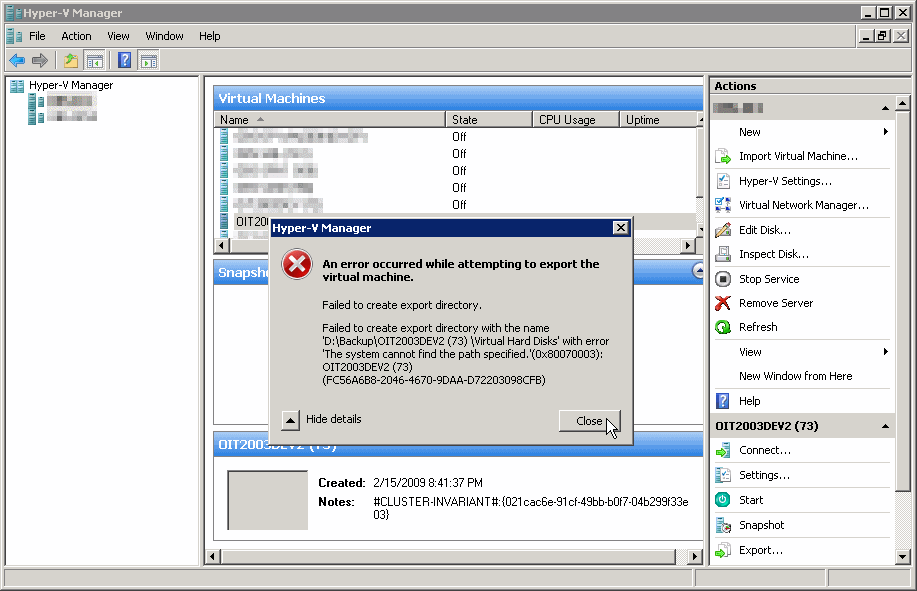
An error occurred while attempting to export the virtual machine.
Failed to create export directory.
Failed to create export directory with the name ‘D:\Backup\OIT2003DEV2 (73) \Virtual Hard Disks’ with error ‘The system cannot find the path specified.'(0x80070003): OIT2003DEV2 (73) (FC56A6B8-2046-4670-9DAA-D72203098CFB)
Note: I have not tested this on an SP2 machine, so it may very well be that this error is fixed in SP2 or even in R2.
Luckily, I have also managed to work around this issue. Read below.
Steps to reproduce the problem:
In Hyper-V Manager, I right-clicked the virtual machine. Note that the VM was in shut-down state, and currently it did not have any snapshots associated with it.
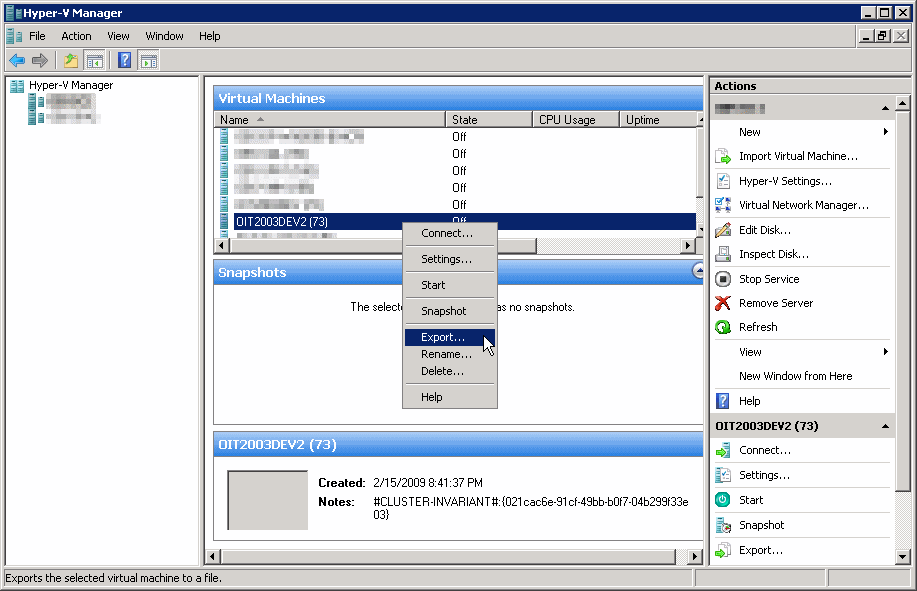
I chose “Export”, and then browsed for a location for the exported VM. I have made sure that there was plenty of disk space available for the eport operation. File path wasn’t complex, and it even did not have spaces in it.
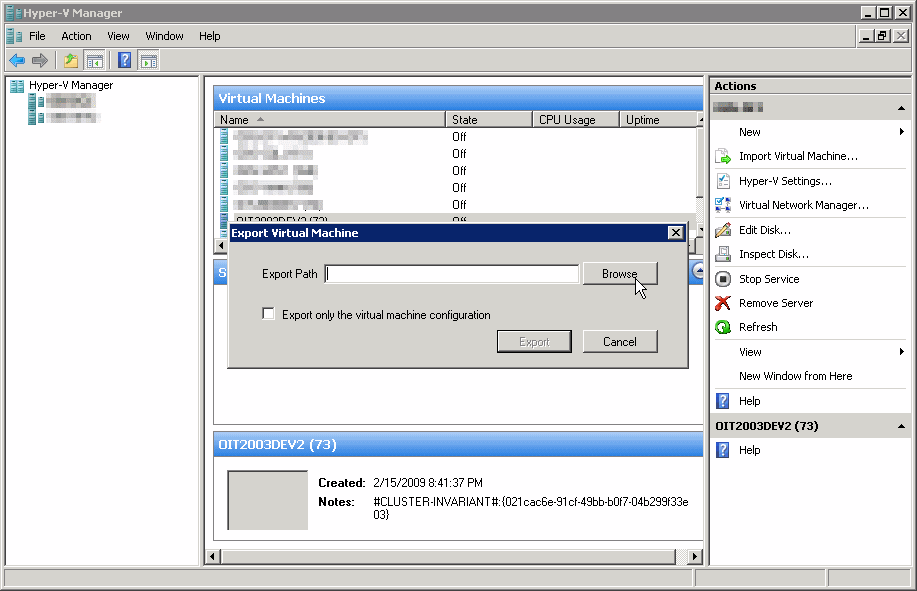
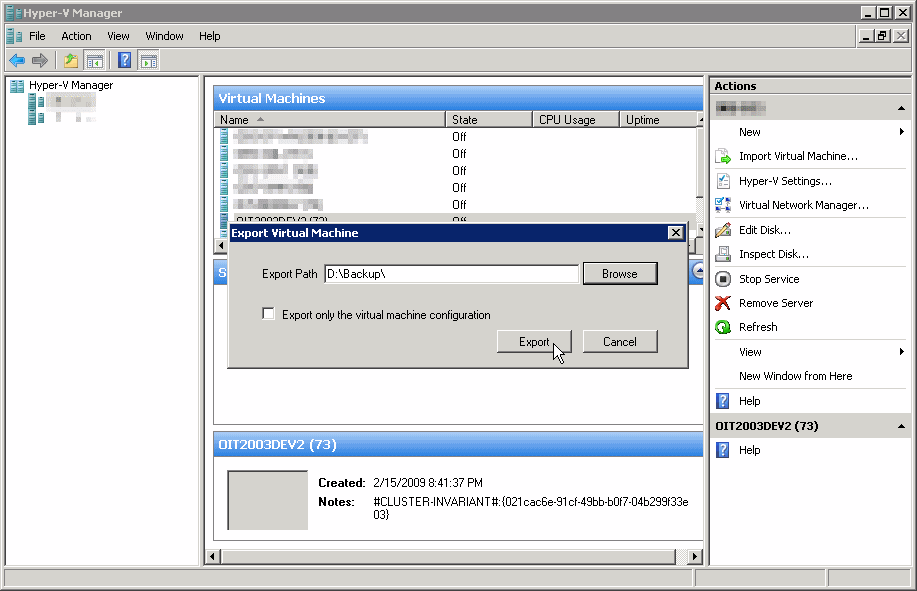
I then clicked on the “Export” button, and behold, the error appeared.
The Solution:
I have searched the Internet for a documented solution, but have yet to find one. Because the VM has worked well and without an error, I was confident that there wasn’t an issue with the VM’s hard disks. So I was just about to grab the VHD files of the VM, and create a new one using the old VHDs of the “bad” VM.
However, since there were other VMs waiting to be exported on the host, I figured that I should somehow mark the “bad” VM and flag it for action after I was done with the other VMs. So, I clicked on the VM’s name, and I simply added a few characters to the VM’s name. In this instance, I added “—” to the name.
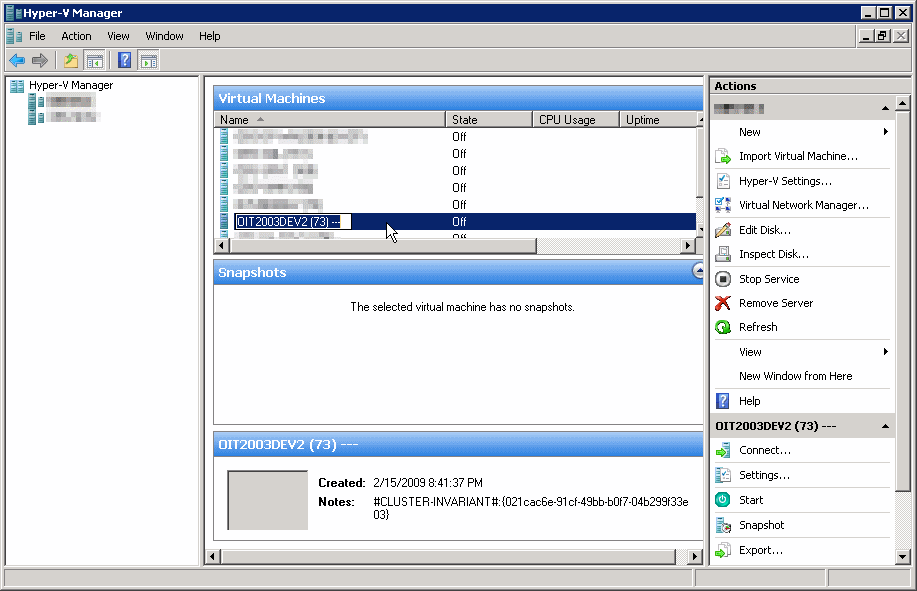
After finishing the exporting of the other VMs, I returned to the “bad” VM. Just out of curiosity I tried to export the VM again.
Behold, somehow the addition of the “—” to the VM’s name has somehow “fixed” the export issue.
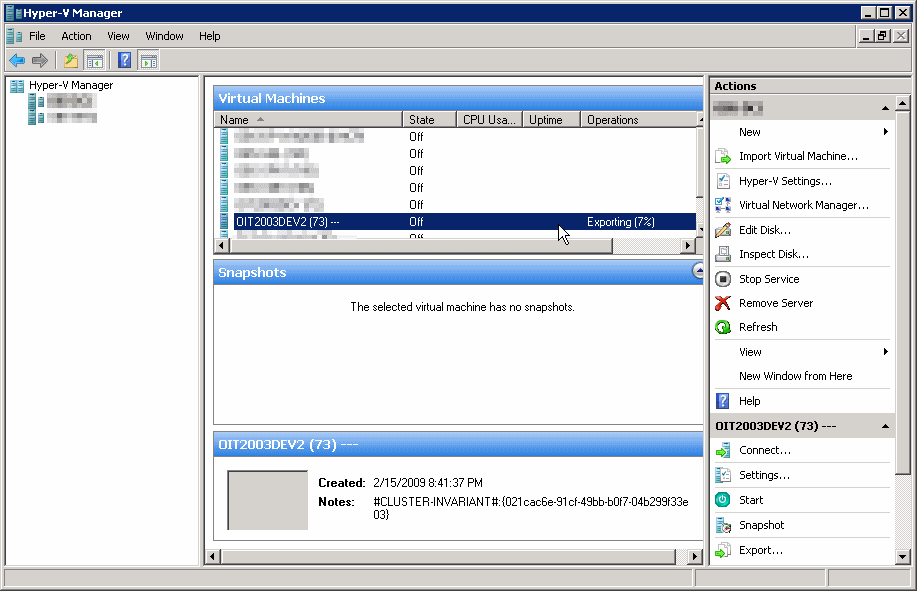
I do not know why the VM was “bad” in the first place and what has caused it to fail the export operation. I do not know why it got fixed, but it did. I just tried it with 2 more similarly troubled VMs, and it works.
Hope this helps someone.